Start with a defined task, the right information, and a person responsible for the result.
For procurement & IT
Review two proposals against the same requirements.
The input
A proposal promises single sign-on and monthly usage reporting. It does not specify data retention or administrator responsibilities.
Illustrative response
Documented
Single sign-on and monthly usage reporting.
Needs clarification
Retention period, deletion process, access ownership, and support responsibilities.
Follow-up question
Who can access stored information, for how long, and how does the organization request deletion?
The person’s role The procurement and IT team verifies the source material, weighs the tradeoffs, and makes the recommendation.
For public service
Help someone find the right service and next step.
The input
A resident asks where to begin a building-permit application. The assistant has approved permit guidance and the responsible department’s contact information.
Illustrative response
Response structure
Explain the documented first step, link to the approved application guidance, and identify the responsible department.
When information is missing
Say which details cannot be confirmed and direct the resident to the department.
Source check
Make the relevant guidance accessible so the resident and staff can verify it.
The person’s role Authorized staff maintain the source information. The assistant does not issue permits or make eligibility decisions.
For leadership development
Apply your organization’s approach to a difficult conversation.
The input
A manager needs to address repeated missed handoffs. The assistant uses the organization’s approved leadership framework and relevant policies.
Illustrative response
Clarify the situation
Separate observed missed handoffs from assumptions about intent.
Prepare the conversation
Identify the expectations, examples, and open questions the manager needs to discuss.
Connect to your method
Relate the preparation to the organization’s own leadership principles.
The person’s role The manager checks the context, chooses the approach, and conducts the conversation.
Illustrative walkthroughs with fictional inputs. These show how an agent could be configured; they are not live outputs or verified client results.
Your brand is the front door
Different people. Their own experience.
An AI Studio brings selected agents and resources together. Shape its name, design, navigation, and custom domain around your organization.
Internal Studios
A place for your team.
Give departments or project teams an invite-only Studio. Bring their agents, reference material, and supporting pages into one destination.
Choose who enters. Choose which tools they can use.
External Studios
An experience you can offer.
Serve customers, residents, members, or partners under your brand. Configure agent collections and access levels for each audience.
Public access · Member sign-up · Invitations
Actual Studio experience
A destination that reads as yours.
Curated agents. Branded pages. Navigation built around the audience. The Studio is the experience your users see.
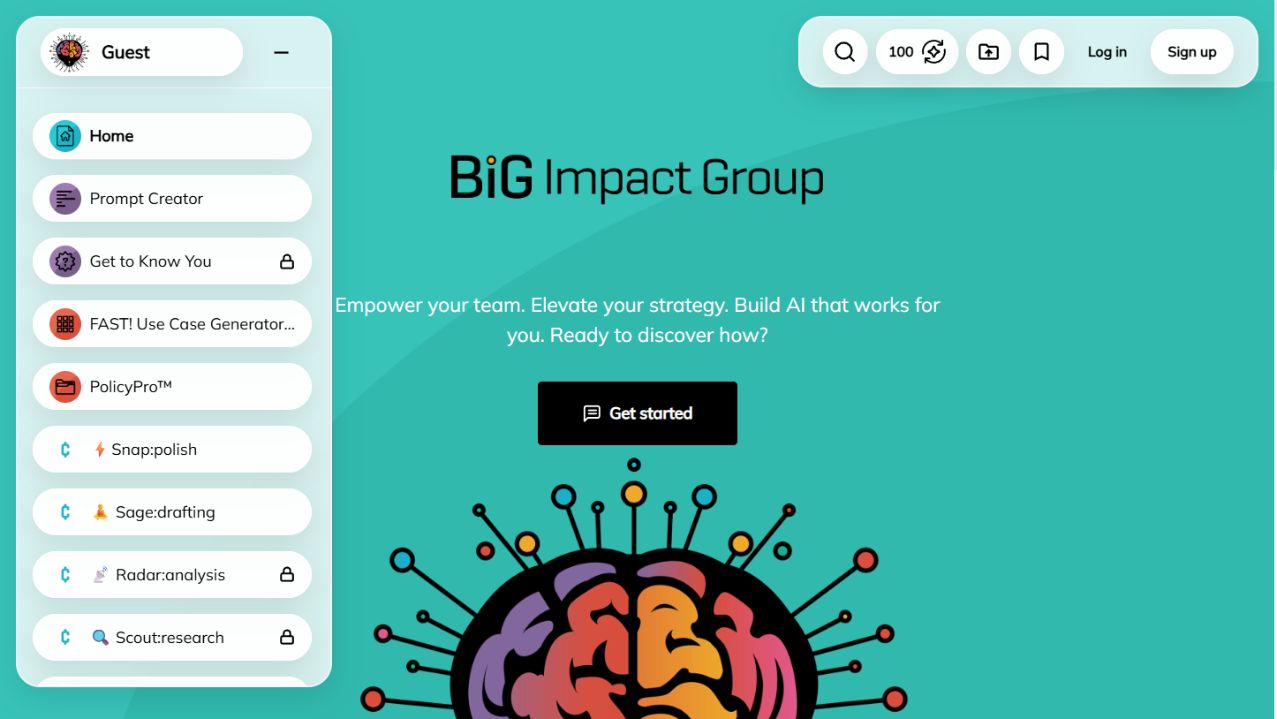
Actual guest-facing Studio. Select the image to enlarge it.
Build the library your work calls for
Answer. Create. Take action.
An agent can explain a policy, draft a report, analyze information, or start a connected workflow. Configure the parts for the job.
01
Your knowledge
Connect documents, websites, and supported content sources. Maintain a shared knowledge library, then choose which sources each agent can use.
02
Your instructions. Your model choices.
Define the purpose, tone, and expected output. Select a supported model for the work. Test and refine how the agent behaves.
03
Your connected tools
Configure actions to retrieve data, create a record, send a message, or trigger a workflow. Connect supported applications, APIs, and other agents.
Connections need their own setup and permissions. Agree where people review outputs and approve actions before the agent goes into use.
The same agent. More than one destination.
Go where the work happens.
Your Studio is one way in. Deploy the same agent through multiple supported channels, configured for their audiences and purposes.
01
AI Studios
A branded destination with selected agents, pages, and resources.
02
Pages
A standalone page for an individual agent or a collection.
03
Direct links
A shareable address that opens an agent directly.
04
Website embeds
An inline tool or chat widget on your existing website.
05
Email
An agent people can interact with by email.
06
Team messaging
Agents in supported Slack and Discord conversations.
07
Mobile messaging
Supported WhatsApp and Telegram connections.
08
Meetings
Compatible agents in Google Meet, Zoom, and Microsoft Teams meetings.
09
API and MCP
Access for your applications, workflows, and compatible AI clients.
Availability depends on the selected plan, agent type, configuration, third-party connections, and agreed scope. Channels are selected and configured for your deployment.
One workspace behind the experiences
Keep a view of the whole.
Organize agents, knowledge, Studios, and deployments in your AI Workspace. Add an audience or channel without starting a separate agent library.
01
People and access
Manage users and access groups. Assign knowledge deliberately so each audience reaches the material intended for it.
02
Activity and usage
Review how the platform is being used. Use real activity to decide which agents need attention and which deserve expansion.
03
Spending and settings
Review spending and adjust available usage settings. Keep the operating choices visible as adoption grows.
Public Workspaces
Your city's identity. Your people's tools.
Create internal Studios for staff and departments, or external Studios for the people you serve. Set the audience, information, and access for each experience.
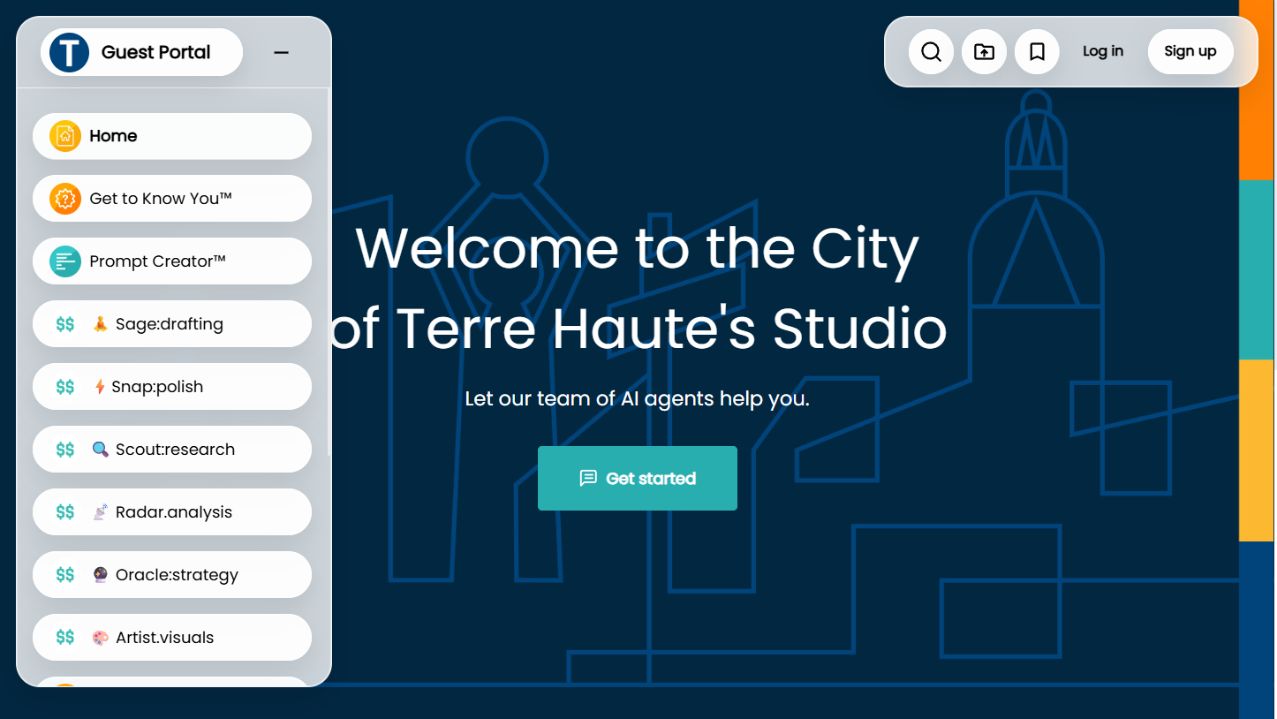
terrehaute.bigimpactgroup.aiActual guest view
Actual City of Terre Haute Studio. Agents and access vary by configuration.Visit the Studio ↗
18
BiG Impact Group's work with the City of Fishers includes 18 custom AI agents, used by 40+ staff across departments.